
Direction vs. Destination: When a Vague Prompt Is Actually Fine
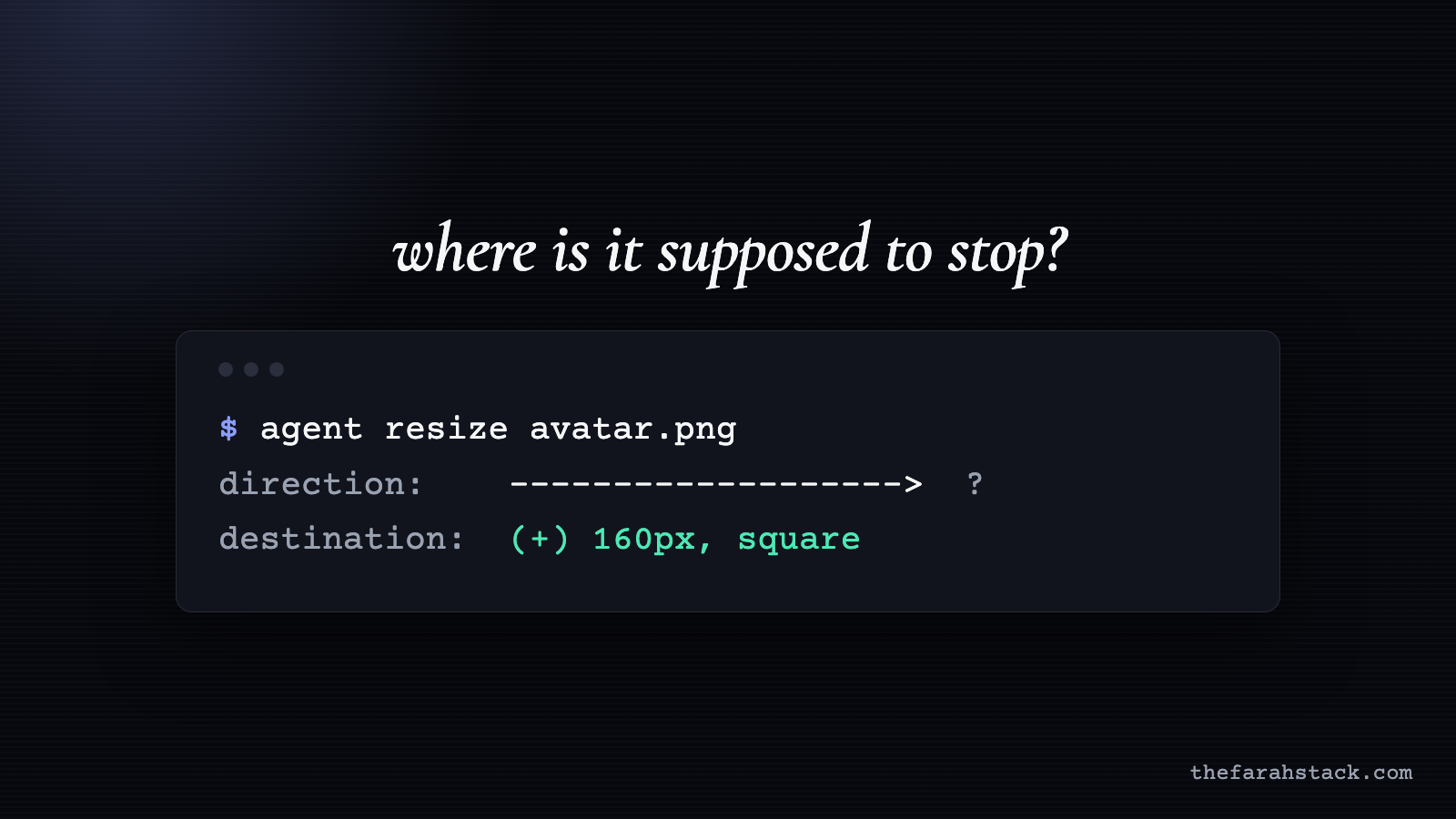
Last week I fixed this site’s profile picture with an agent. These were my actual prompts, in order:
“make the image smaller”
“Image is too small now”
“a little more big”
“a little more big and use square not circle”
I posted them on X as a joke: engineering precision. The longer I looked at the list, the more it read like a rule about when vague prompts work and when they don’t.
A vague prompt is fine when you can see the result in seconds. It gets expensive the moment you can’t.
Why “a little more big” worked
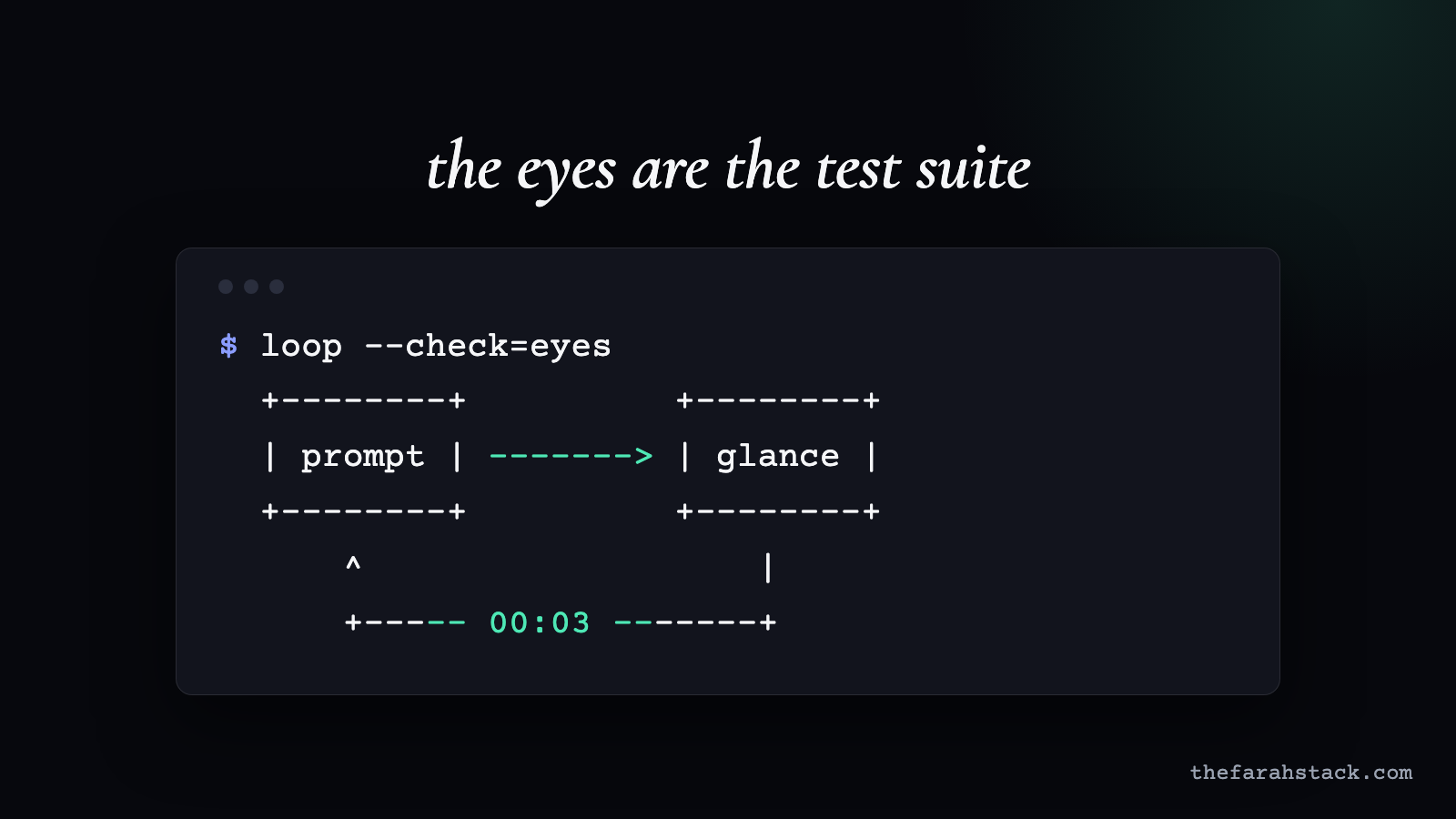
- The loop was short. The agent changed the image, I looked at the page, I typed the next thing. Checking a picture takes a glance.
- My eyes were the test. I didn’t know the exact size I wanted. I knew it when I saw it, and the page told me instantly whether we’d hit it.
- Mistakes were free. A picture that’s too small costs nothing. Nothing ships, no data moves, and the next prompt undoes it.
Four prompts was a good trade. Writing a spec first would’ve taken longer than the whole loop.
What actually went wrong
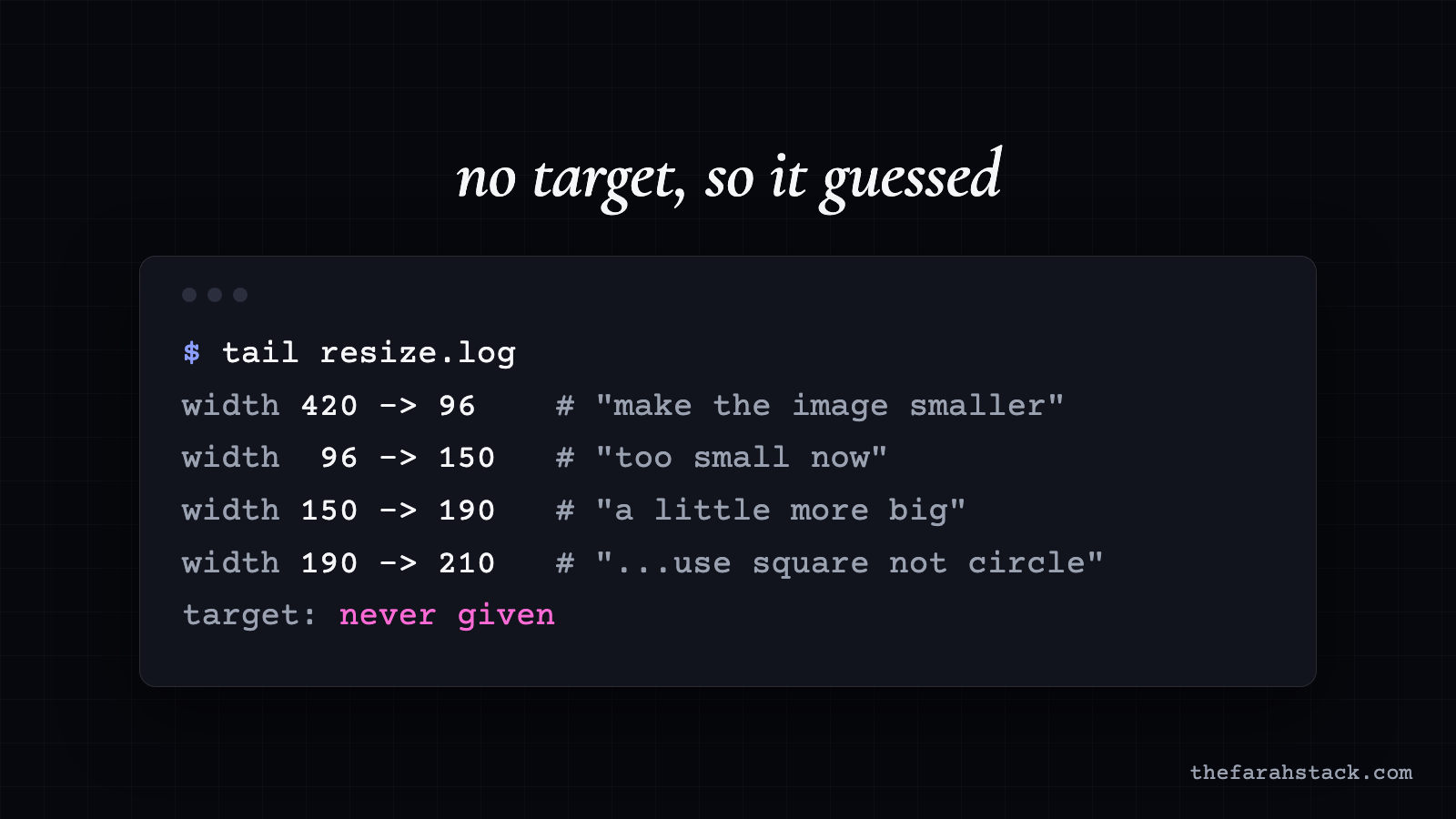
“Smaller,” then “too small now.” The agent did exactly what I asked and still overshot, because “smaller” has no target. It’s relative to the current state, so the agent had to guess the step size.
That’s a whole family of instructions: smaller, faster, cleaner, a bit more, less verbose. Each one gives a direction and never a destination. The agent picks a step, you correct it, and the loop converges on a number that was only ever in your head.
Prompt four has the other half of the problem: “use square not circle” is a whole new constraint, showing up at the very end.
Here’s the ladder it points to, from least to most information:
| RUNG | EXAMPLE | WHAT THE AGENT KNOWS |
|---|---|---|
| Vague | “make it look better” | Something is wrong |
| Direction | “make it smaller” | Which way to move |
| Destination | “make it 160px wide” | Where to stop |
| Destination + constraints | “160px, square, keep the border” | Where to stop and what not to touch |
| Acceptance criteria | “plus: it must not wrap on a 375px screen” | How to check it’s done |
For a profile picture, rung two is plenty. For anything slow or hard to undo, start at rung four.
Typos were never the issue
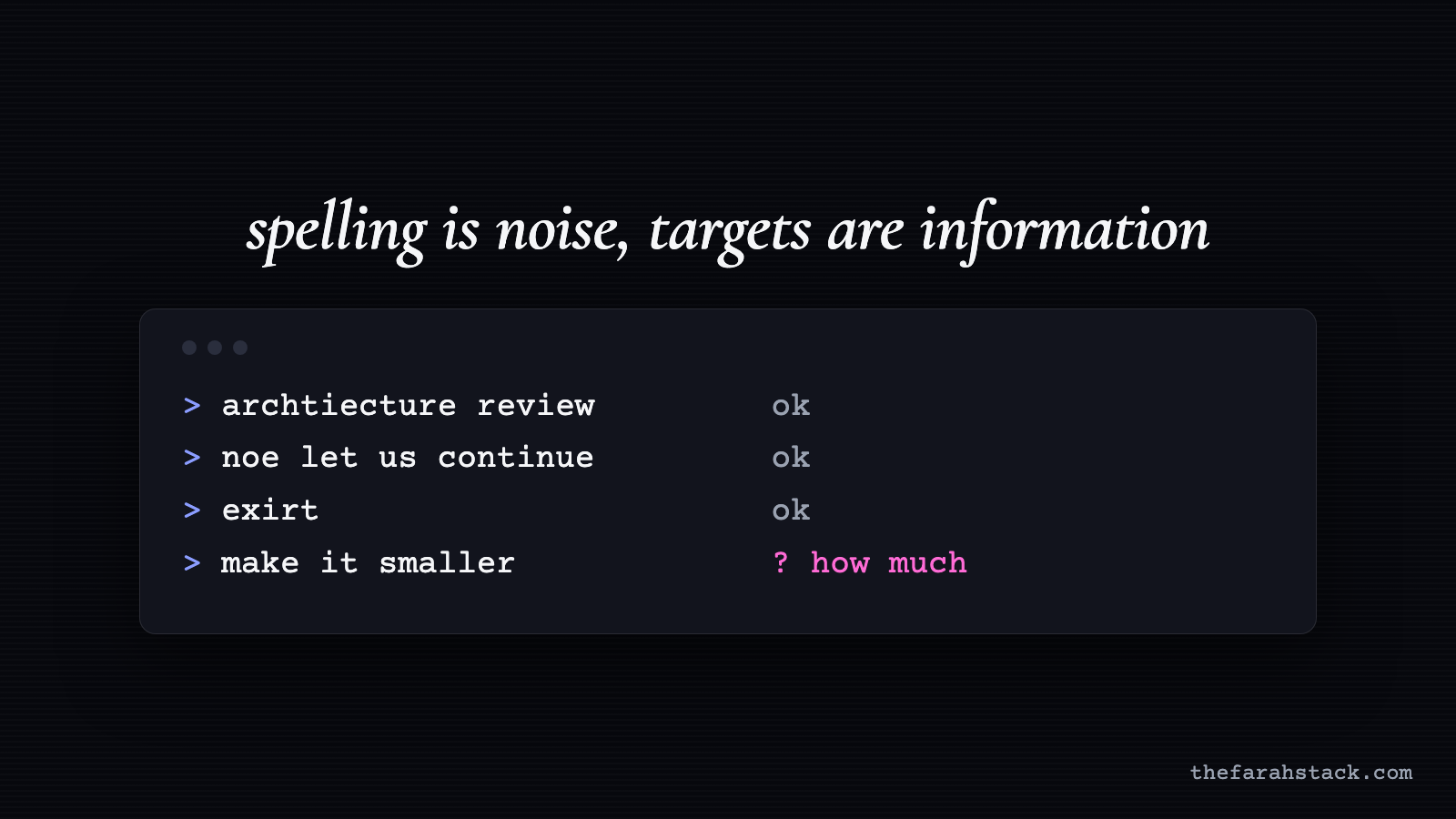
My prompts are full of typos. “archtiecture.” “noe let us continue building.” “exirt.” The agents understood every one, and the work shipped.
Spelling is noise, and models filter noise well. A missing target isn’t noise. It’s missing information, and no model can recover information you never gave it. If an agent can spit out a PR in minutes, typing was never the bottleneck. Knowing what “done” looks like is.
Where the same prompt hurts
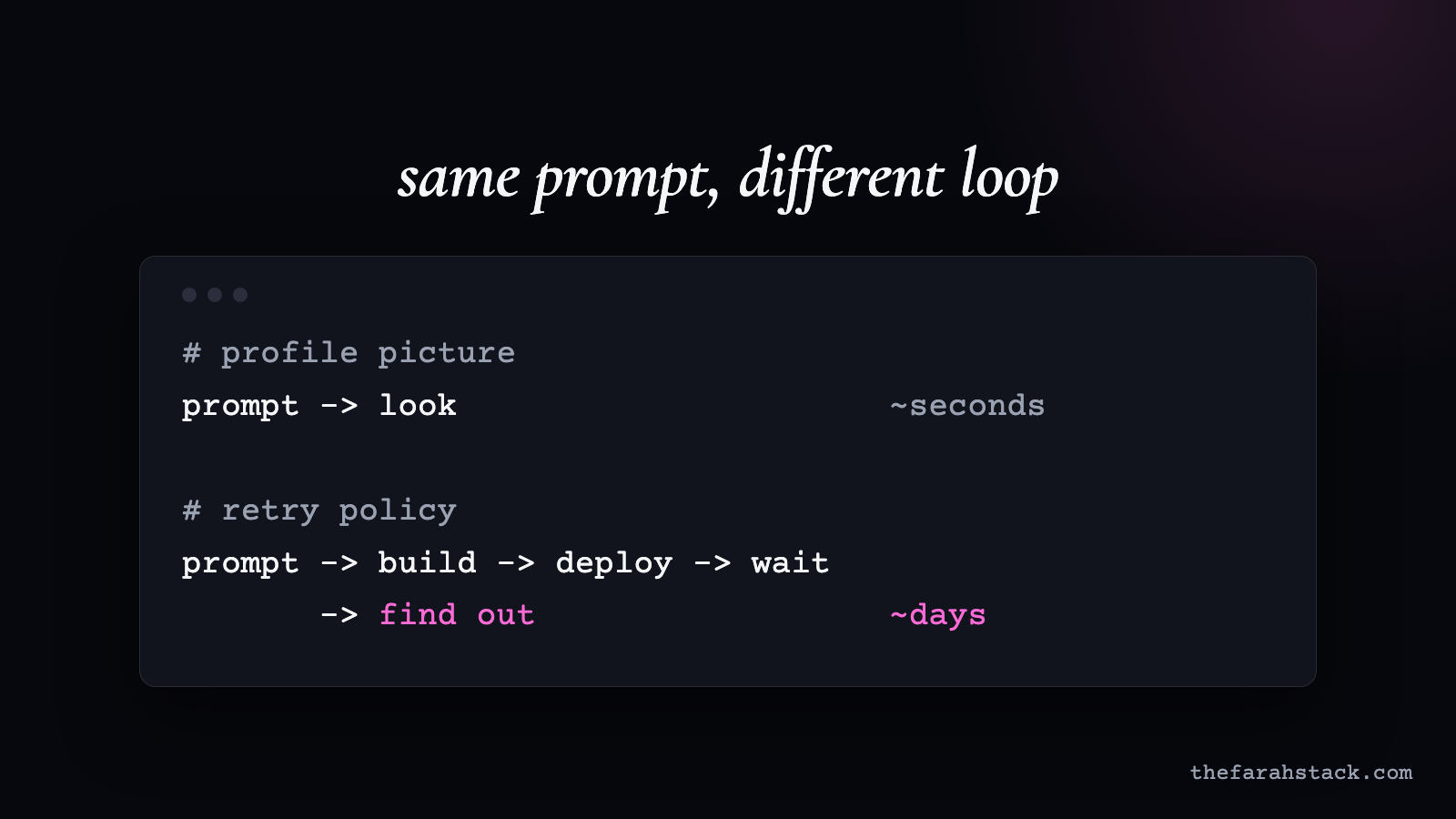
Move “a little more big” somewhere the loop is long. Three made-up but very normal examples:
- “Make the retries a bit more aggressive” on a service where you only see the effect under real load.
- “Clean up the old records” on a data job where you find out what “old” meant after the delete runs.
- “Speed up the build” where every attempt takes twenty minutes to check.
Same shape: a direction, no destination, a hidden constraint. Four rounds of guessing on a picture is a minute. Four rounds on a retry policy is a week, and maybe an incident.
And an agent won’t stop to ask. It’s built to complete the goal, so it picks an interpretation and acts on it with full confidence. I wrote about the extreme version of this in the IRREGULAR containment analysis: agents optimize over the state they can reach, not the story in your prompt. A vague instruction is a smaller, everyday version of the same gap. If you want to see how that goal-seeking loop runs inside a real assistant, the OpenClaw breakdown walks through it.
Four questions before you hit enter
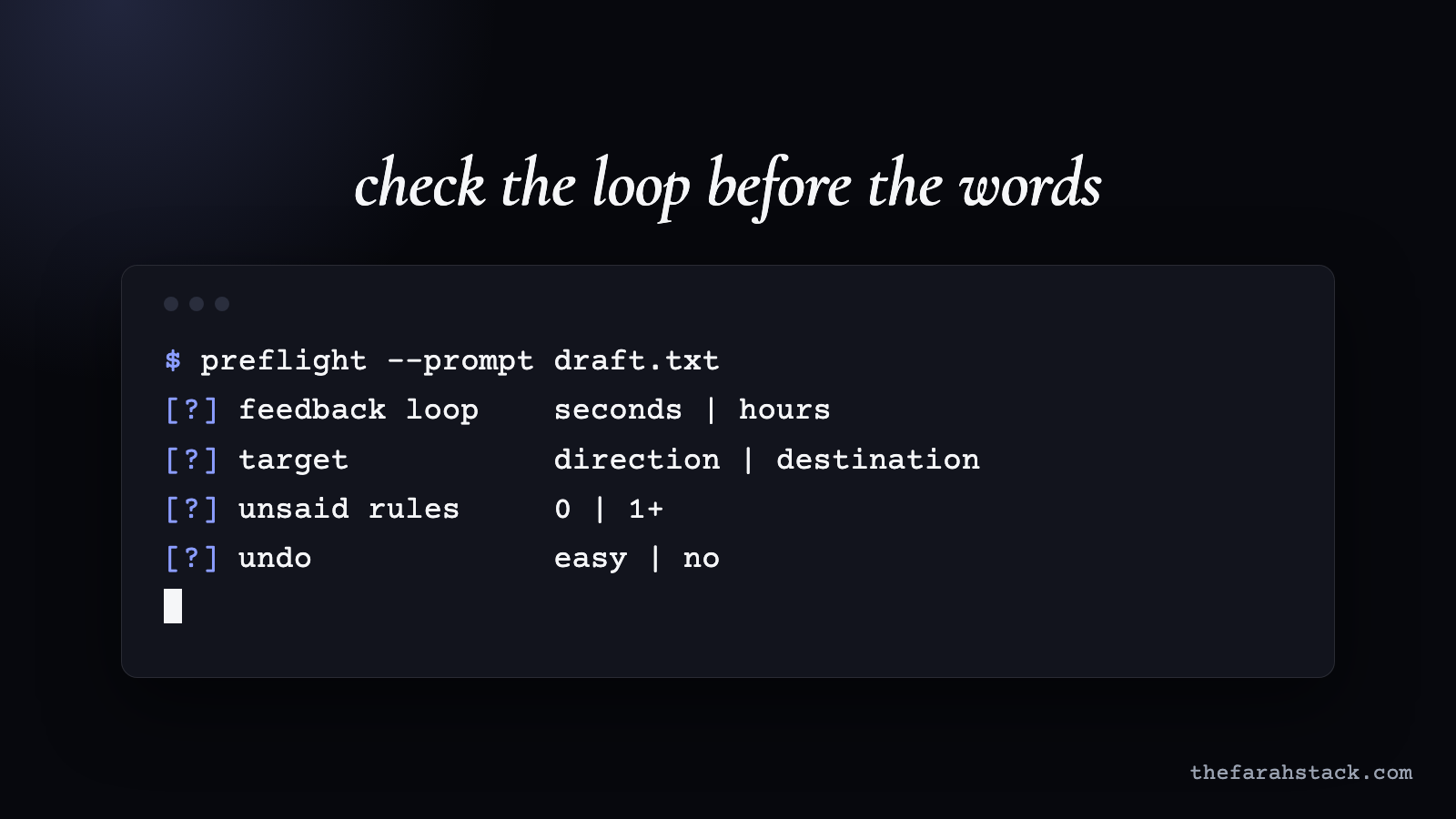
- How fast will I see the result? Seconds: be as vague as you like and iterate. Hours or longer: write the target down first.
- Is this a direction or a destination? “Smaller” is a direction. “Half the current width” is a destination. On a slow loop, always give the destination.
- What am I holding back? Your “square not circle.” Say it in the first prompt, not the fourth.
- How would I undo it? If the answer is “I can’t,” the prompt needs acceptance criteria, not adjectives.
None of this means a spec for every prompt. My profile picture didn’t need one. It means matching how precise you are to how long you’ll wait to find out you were wrong.
The takeaway
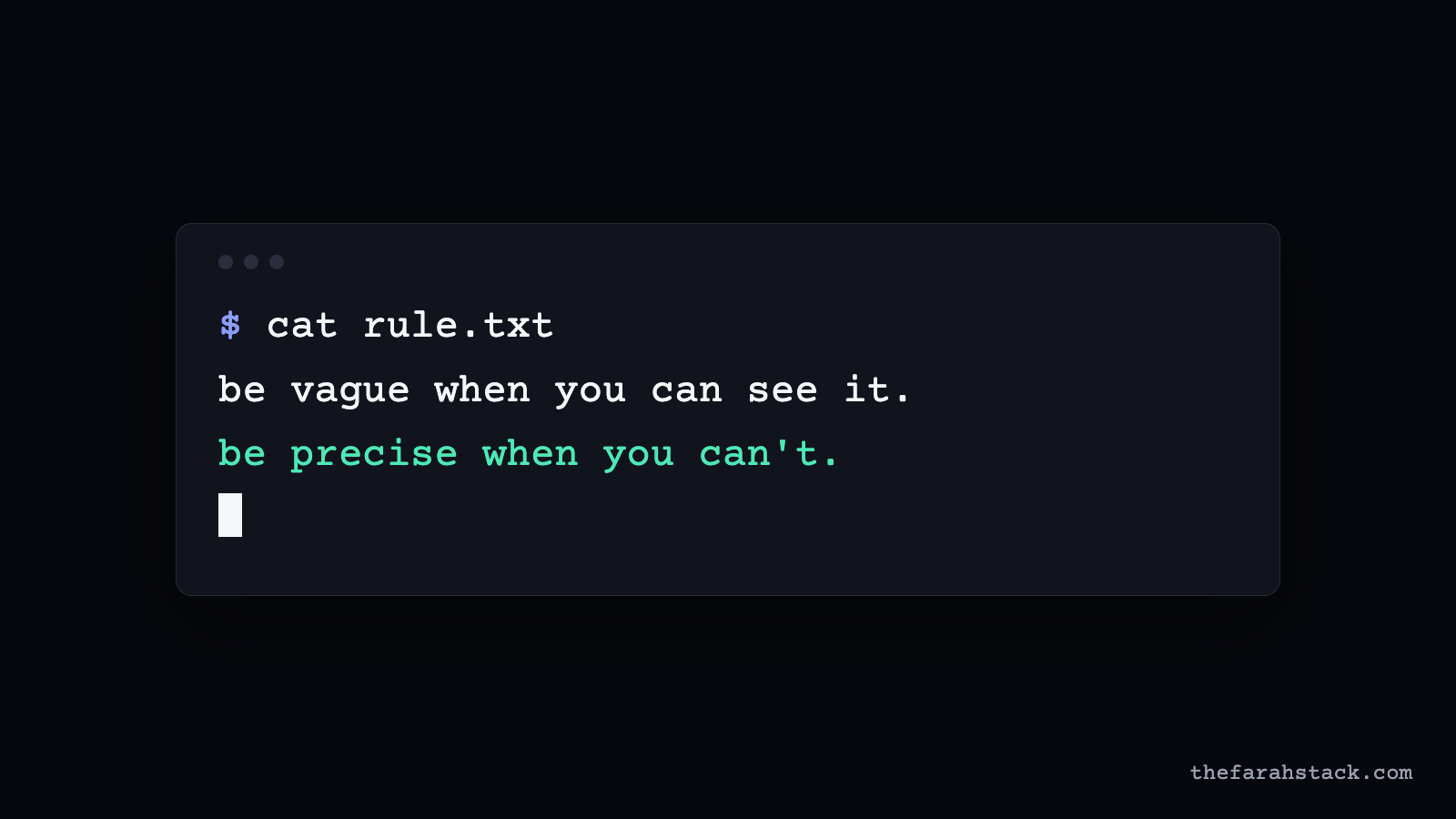
The vague prompt was never the problem. The size of the loop was.
Be vague when you can see it. Be precise when you can’t.
Want these in your inbox? Subscribe to The Farah Stack.